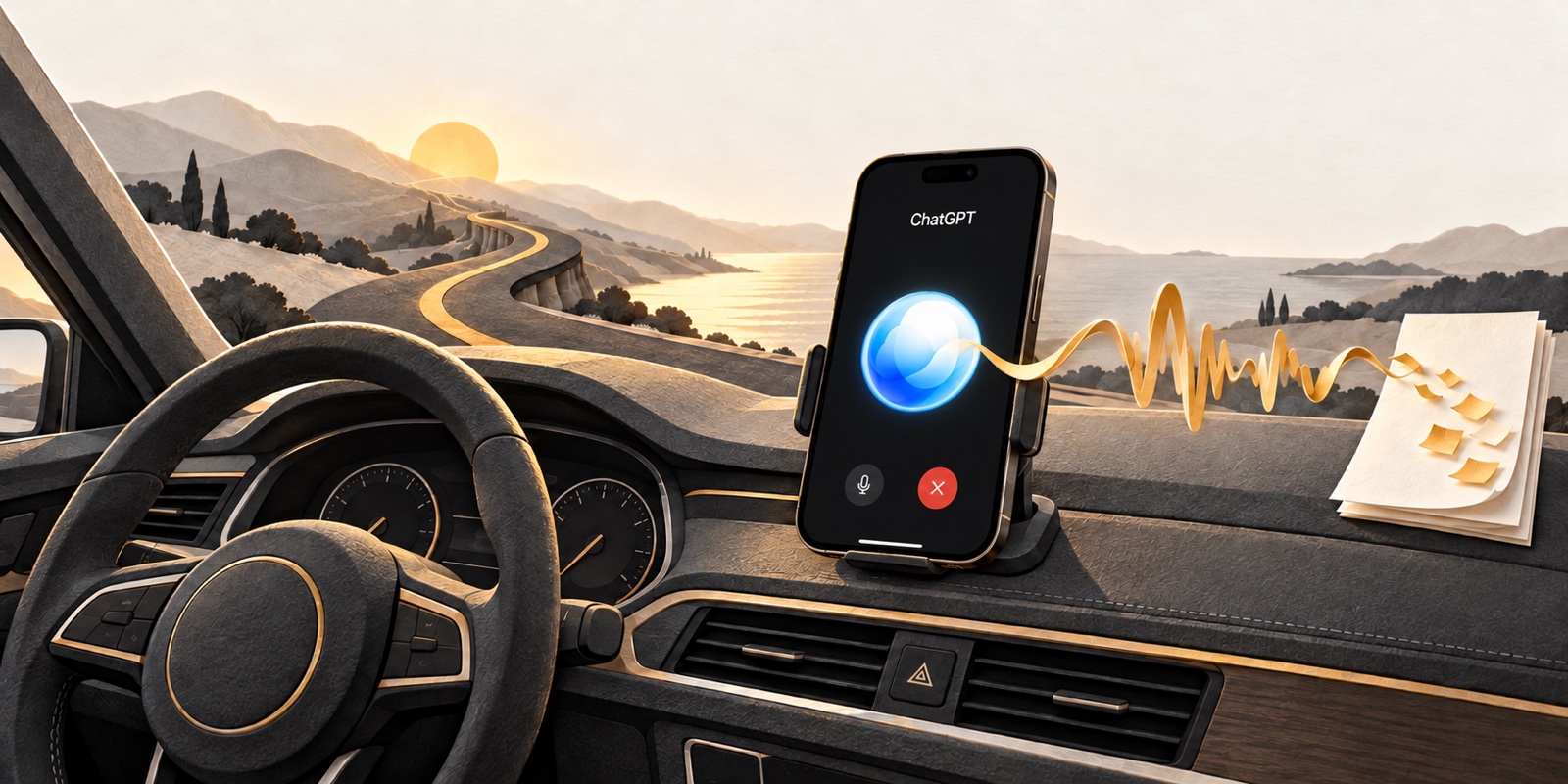
I frequently use ChatGPT Voice during my commute. Sometimes the conversation is about a work project. Other times, it is about something personal I want to build, explore, or figure out.
I think of it as a thought partner and brainstormer. I can talk through an idea before I know exactly what I want to do with it, ask follow-up questions, and see where the conversation goes.
Somewhere in that back-and-forth, something useful often surfaces. A different way to approach a problem. A question I had not considered. An idea I want to return to when I can give it more attention.
That was where I kept running into a small problem: how do I keep the good parts?
Remembering how to remember became another task
At first, I would ask ChatGPT to remember something for future reference. But my way of doing that came with its own overhead. I needed a particular voice prompt, and I had to remember how to ask for the information again later.
Over time, that became cumbersome.
I was using voice because it made the conversation easy. Adding a little retrieval system I had to keep in my head worked against that convenience. I wanted to keep thinking about the project, rather than how I would find the conversation later.
The useful idea needed somewhere obvious to go.
One document: Voice Chat Saves
So I had ChatGPT create a document in my Google Drive called Voice Chat Saves.
Now, when something comes up that I want to keep, I simply say:
“Please save this to ‘Voice Chat Saves’ in my Google Drive.”
That is the habit. One document name and one straightforward request.
It gives me a place to return to without reconstructing which conversation contained the idea or remembering a special phrase to bring it back. The document becomes the place for the parts I have deliberately chosen to save.
I do not need every word of every brainstorming session. I need the useful thought, with enough context to understand why I wanted to keep it.
A thought partner for work and personal projects
What I like about this approach is that it works across the things I am thinking about. A work project and a personal project may be very different, but both benefit from a conversation that helps me see another angle.
For example, a work brainstorming prompt might be:
“Let me talk through this project. Help me identify what I might be overlooking, and ask me one question at a time.”
For a personal project, I might start with:
“I have an idea I want to explore. Help me think through a few ways to approach it before we get into the details.”
Those are example prompts, rather than transcripts of a specific conversation. The point is to leave room for discussion. I do not always need a finished plan immediately. Sometimes I need help working out what the plan should address.
When a useful idea emerges, I can choose to save it and keep the conversation moving.
An example: brainstorming a new AI app
Imagine I am exploring an AI app that turns scattered project notes into a clear next step. The conversation could start with who the app would help, then move toward a small feature worth testing.
In this example, ChatGPT recommends interviewing five solo business owners before building. That is the kind of specific action I would want to keep alongside the app idea.
The images below are AI-generated illustrative mockups of a fictional conversation in a dark-mode iOS Voice interface. They are not actual app screenshots or evidence of a Google Drive save. The interface on your phone may differ.
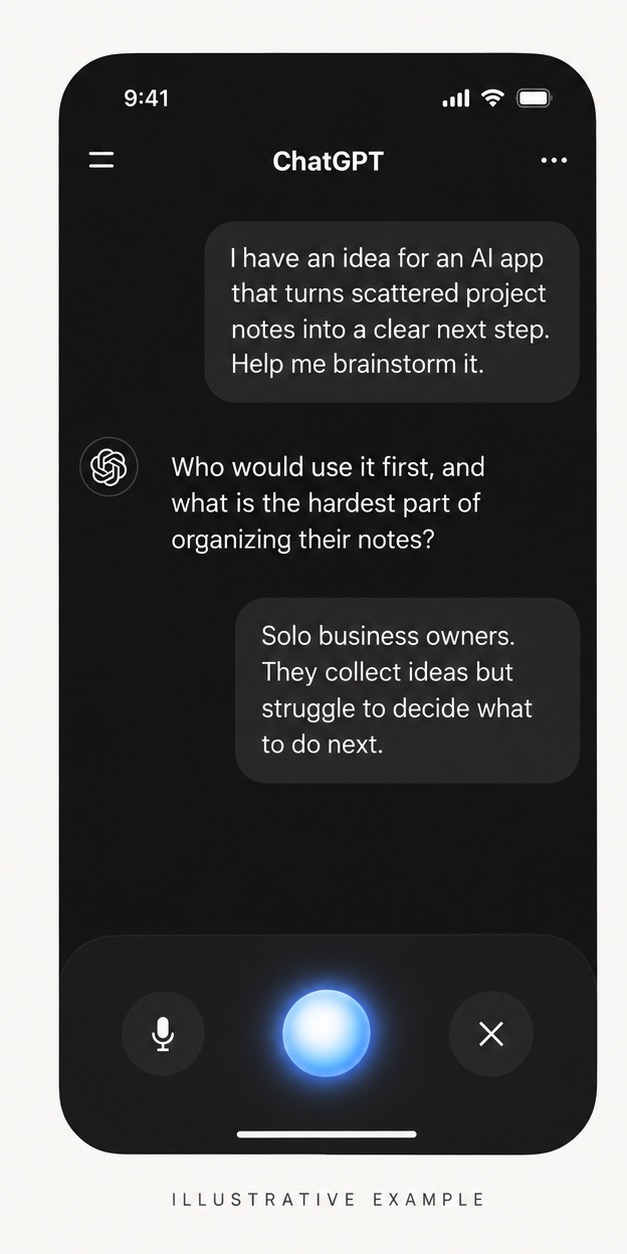
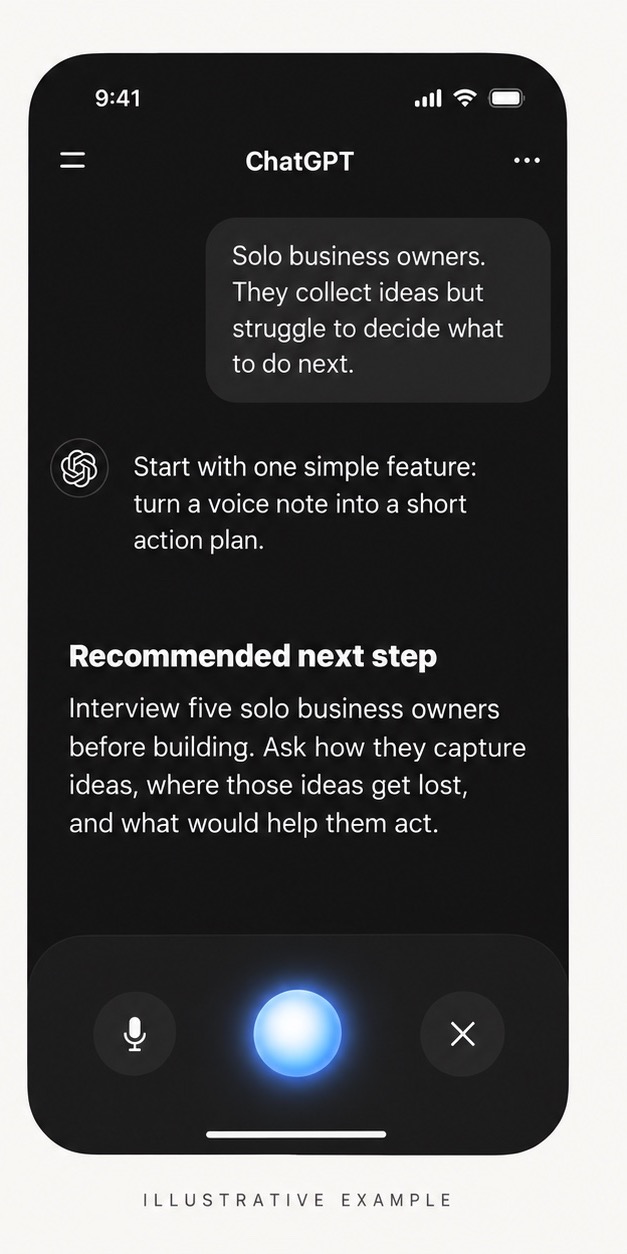
Once that action surfaces, my request can be straightforward:
“Please save this app idea and your recommended next step to ‘Voice Chat Saves’ in my Google Drive.”
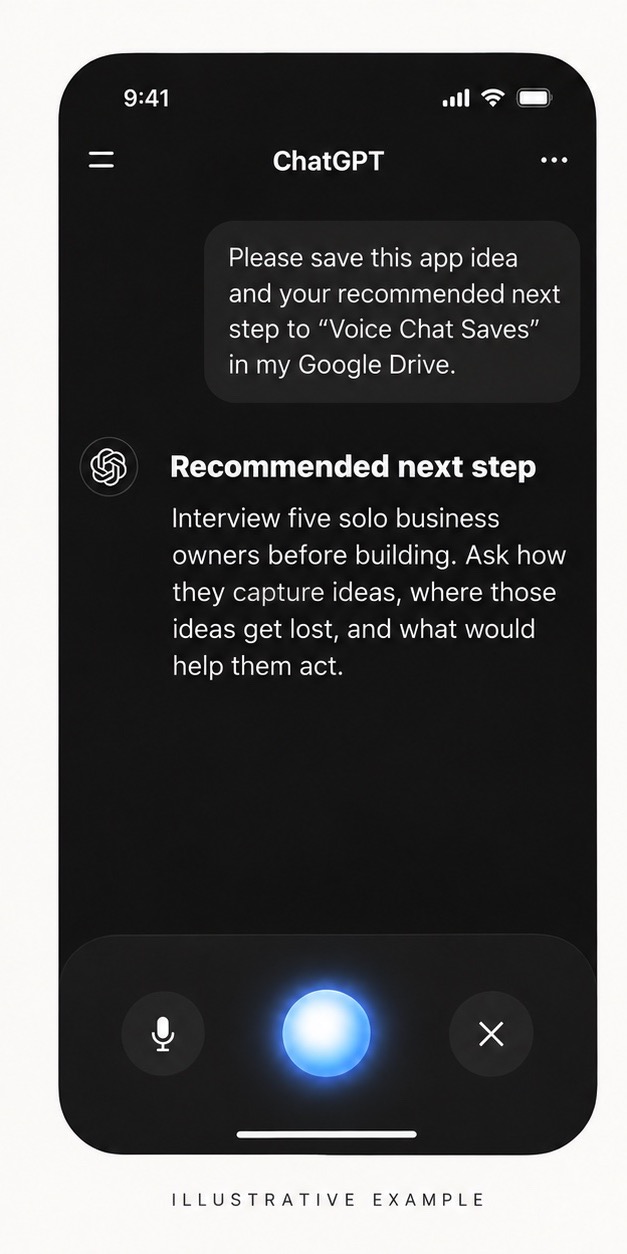
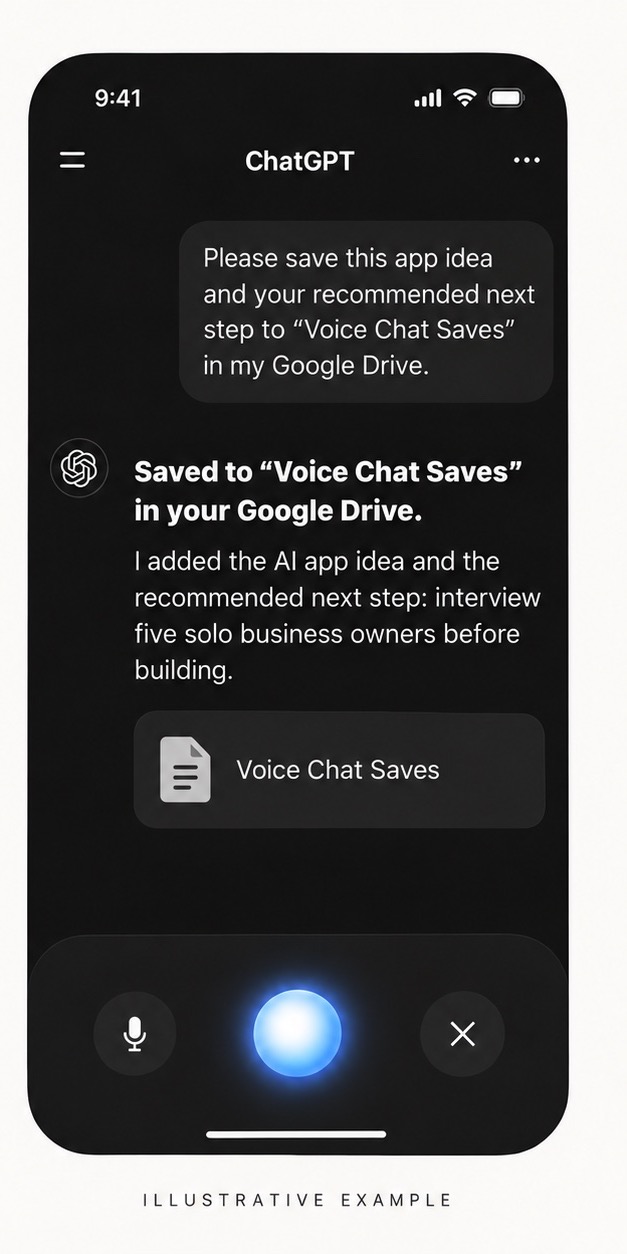
The saved note would bring the idea and the next action together, so I could return to both without retracing the whole discussion.
Give the saved idea enough context
“Save this” is convenient when the idea is clear from the conversation. When we have covered several topics, being more specific can help.
A more detailed version of the request could be:
“Please append the idea we just discussed to ‘Voice Chat Saves’ in my Google Drive. Include a short heading, today’s date, whether it is for work or a personal project, and a brief summary with enough context to revisit it. Keep the existing notes.”
That is an optional refinement to the simple habit. It gives the saved thought a little structure without requiring a separate document for every conversation.
The goal is a note I can use later. A few clear sentences may be more useful than several pages of conversation.
A few setup details matter
This is my experience with my setup. If you want to try it, first connect the Google Drive account that contains your document and check that creating or updating documents is available to you. OpenAI’s Google Drive setup guide explains that access depends on your plan, permissions, location, and workspace settings.
The Voice option matters, too. OpenAI’s Voice documentation says Live can use connected apps available to your account. An action may require an on-screen approval; spoken approval does not replace that step. If I am driving, any screen interaction needs to wait until I am safely parked.
Before relying on the workflow, try saving a harmless example and open the document to confirm the entry arrived in the right place. A request to save something and a completed save are two separate steps. If several documents share the same name, identify the intended document before adding anything.
For work projects, use an account and information your organization permits you to use with these tools.
Make the good ideas easier to come back to
I have written before about the effort involved in using AI. The small steps count, especially when they become part of something you do frequently.
In this case, the improvement was a document with a name I can remember.
ChatGPT Voice helps me talk an idea through. Voice Chat Saves gives the parts worth keeping a home. That makes it easier to return to them when I am ready to do something with them.