
Google Cloud’s Gemini at Work keynote is best understood as a statement of direction: Google does not want AI to be a separate chat window. It wants Gemini to be a persistent work agent—one that can use business context, work across tools, coordinate specialized help, and operate inside the systems where people already spend their day.
That is a large promise, so this article stays intentionally high-level. It summarizes the keynote’s main ideas, the major presentation areas, and the practical distinction between Google’s approach and what ChatGPT Work and Claude Cowork are building.
Watch the full Gemini at Work keynote.The keynote in one view
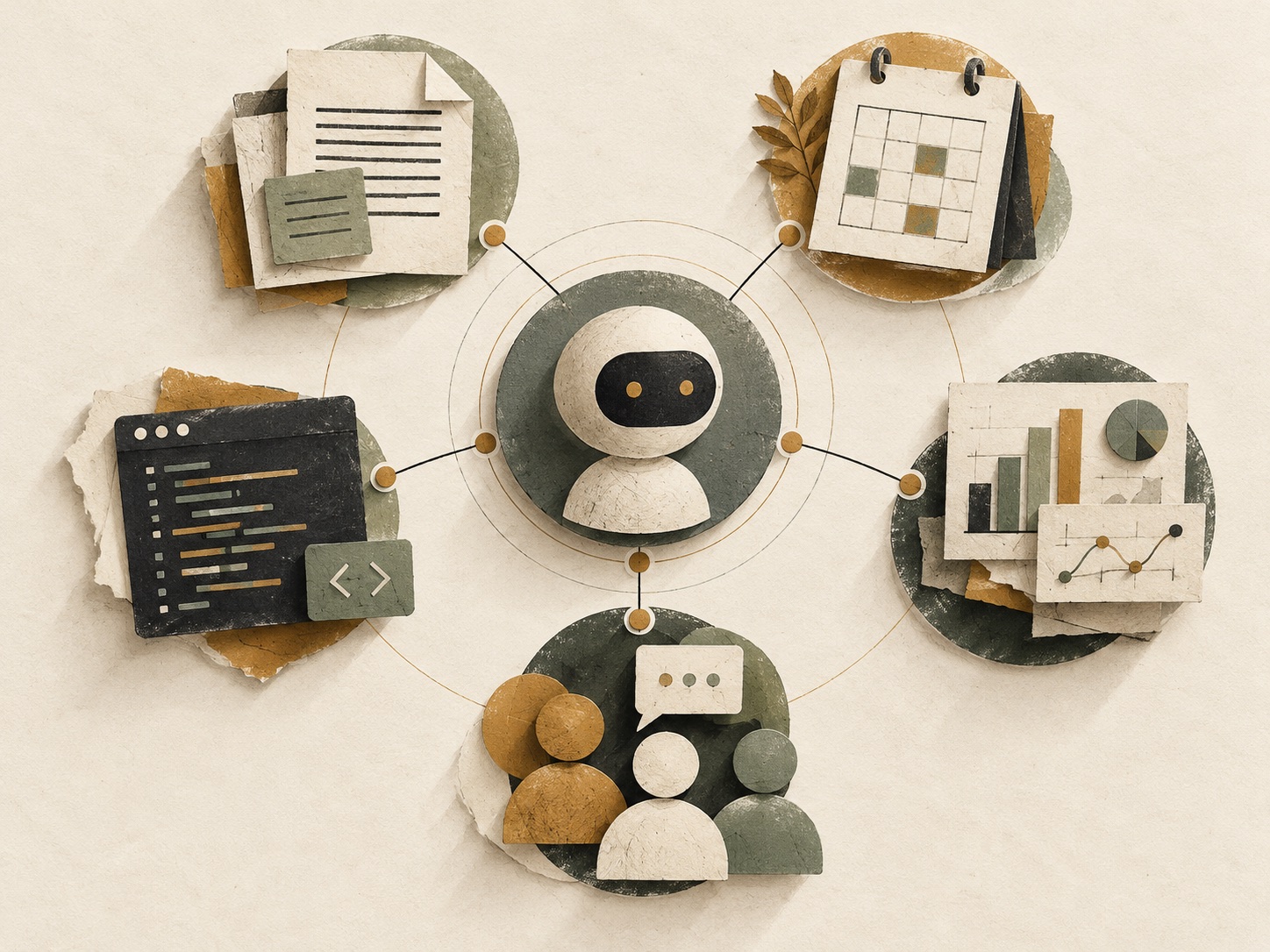
Google introduced the Gemini agent as a general-purpose work agent instead of separate assistants for individual tasks. Google says it can answer questions, carry out knowledge work, create media, write and run code, and keep working on longer assignments. The company’s larger bet is that an agent becomes useful when it carries context across the inbox, documents, data, code, and team conversations—not when it only produces a good response in a blank chat box.
The keynote’s other major theme was enterprise readiness. Google paired the ambitious agent story with identity, permission, audit, policy, sandbox, network, and cost controls. It also emphasized choice: the announced system is intended to route work among models, including Gemini and Claude, based on the task and budget. See Google’s keynote-based announcement for the full list of claims and availability details.
The major presentations, at a high level
1. The Gemini agent: one front door for work
Google’s headline presentation introduced a single agent intended to move from answering a question to completing an outcome. The important distinction is the proposed operating model: give the system an objective, let it plan and use tools, then review the result.
Google described this agent as persistent, cloud-based, and able to delegate parts of a complex job to temporary sub-agents or longer-lived coworker agents with their own identities. That is an enterprise operating model, not merely a new chat interface. The practical question for organizations is whether they can give an agent enough trusted context and permission to make that model useful—without giving it too much.
2. Gemini in Workspace: AI where the work already happens
The Workspace presentation focused on Gmail, Drive, Docs, Slides, Sheets, Chat, and Calendar. Google’s vision is for the same memory, skills, and controls to follow Gemini into those surfaces.
Examples included organizing a meeting around the people and history already present in a Chat space, turning research into a model and then a presentation, and creating a team coworker agent that has its own Workspace account. The key idea is continuity: less copying and pasting context between applications, with access still governed by the sharing and membership model a team already uses.
3. Data and analytics: ask a business question, get a usable answer
This section was about bringing agent behavior to data work. Google described skills for engineers who need help generating or troubleshooting data and machine-learning work, alongside tools for business users who want operational answers from plain-language questions.
The constraint matters as much as the convenience. Google’s design points to a knowledge catalog as the grounding layer: identify trustworthy data, generate the necessary SQL, Spark, or Python, and return charts or dashboards in familiar analytical tools. In other words, the presentation was not simply “AI writes a query”; it was “AI operates with the organization’s definition of the data.”
4. Industry specialization: agents that know the job
Google also presented specialist starting points for financial services and legal work, with government, healthcare, and retail described as upcoming areas. The value proposition is not that a general model suddenly becomes an expert. It is that a model is paired with domain tools, approved sources, permissions, and repeatable skills.
For regulated work, Google highlighted such elements as confidence, methodology, source lineage, and inherited access controls. Those are the right questions to ask of any agent in a consequential process: What did it use? What did it do? What is it permitted to touch? Can a human check the result?
5. Security, governance, and cost: the less flashy foundation
For many organizations, this was the keynote’s most important presentation. Google described agents with separate identities, role-based permissions, action logging, sandboxed execution, an Agent Gateway for policy enforcement, and project-level spend caps.
Google also positioned model routing as a business control. The claimed goal is to run demanding work on a stronger model and routine work on a less expensive one, while keeping an organization’s skills and context in the same system. The right evaluation is operational rather than rhetorical: test permission boundaries, inspect audit trails, set a real budget, and start with a reviewable workflow.

What the keynote means in practice
The shortest useful interpretation is this: Google is trying to make the AI agent a context layer for the organization, not just a productivity feature. Its advantage, if the pieces work as described, is deep alignment with Google Workspace, Google Cloud data, identity, and administration.
That does not remove the need for judgment. An agent can make work faster only after a team has decided which sources are reliable, what actions are permitted, where approval is required, and what a good finished result looks like. A broad agent with vague boundaries can simply automate confusion at a larger scale.
Gemini agent vs. ChatGPT Work vs. Claude Cowork
These products are converging on a shared pattern: assign a meaningful outcome, let an AI use approved files and tools, then review the work. Their emphasis is different.
Gemini agent — enterprise context layer. Google’s focus is a persistent, cloud-based agent connected to Workspace, Cloud data, enterprise identity, and model routing. It is most compelling for organizations already centered on Google Workspace and Google Cloud, but it depends on a careful rollout of data, permissions, policy, and cost controls.
ChatGPT Work — reviewable, multi-step deliverables. Its center of gravity is delegating briefs, analyses, files, workflows, and recurring updates across approved sources. It is well suited to cross-source knowledge work and creation; the practical boundary is that tools, files, connected apps, and actions depend on the execution environment and workspace policy.
Claude Cowork — bounded projects across files and apps. Its center of gravity is longer desktop-centered work that touches explicitly shared local files and connected services. It fits multi-file, cross-app projects where a person delegates a contained assignment and reviews the result; access is scoped to folders the user grants, not background access to the whole computer.
The ChatGPT Work framing is especially close to the everyday version of this idea: delegate a clear outcome—such as a brief, deck, analysis, workflow, or recurring update—and review what comes back. OpenAI documents that Work can use approved files, plugins, and tools, and that local versus cloud execution is a meaningful security and capability choice. Read OpenAI’s ChatGPT Work overview and its getting-started guide for the current controls and availability.
Claude Cowork presents a similarly practical model from a desktop-first angle. Anthropic describes it as a way to delegate a multi-step project across local files and connected apps, then review the result. Its published guidance emphasizes explicit per-folder local-file access rather than background indexing of a user’s drive. See Anthropic’s Claude for work overview for its current product description and enterprise boundaries.

The conclusion: choose the workflow before the platform
The keynote makes a compelling case that workplace AI is moving beyond “ask a question, receive an answer.” The next stage is delegation: work that can run across files, systems, and time, then return in a form a person can review.
But the best first move is still modest. Pick one process with a clear finished output: a weekly project brief, a meeting-preparation package, a document comparison, or a recurring report. Specify the allowed sources. Keep the first version read-only or draft-only. Review several runs. Then decide whether the agent has earned a broader role.
Google’s Gemini agent, ChatGPT Work, and Claude Cowork are not identical products, and their availability and controls will continue to change. The durable comparison is simpler: choose the one that fits the systems your team already trusts, the work you can describe clearly, and the level of control you need.