Available · Public
Practical AI Flows ChatGPT Prompt Generator™
A free ChatGPT plugin I built to turn rough ideas, task descriptions, and prompts that aren’t working into clear, reusable prompts.
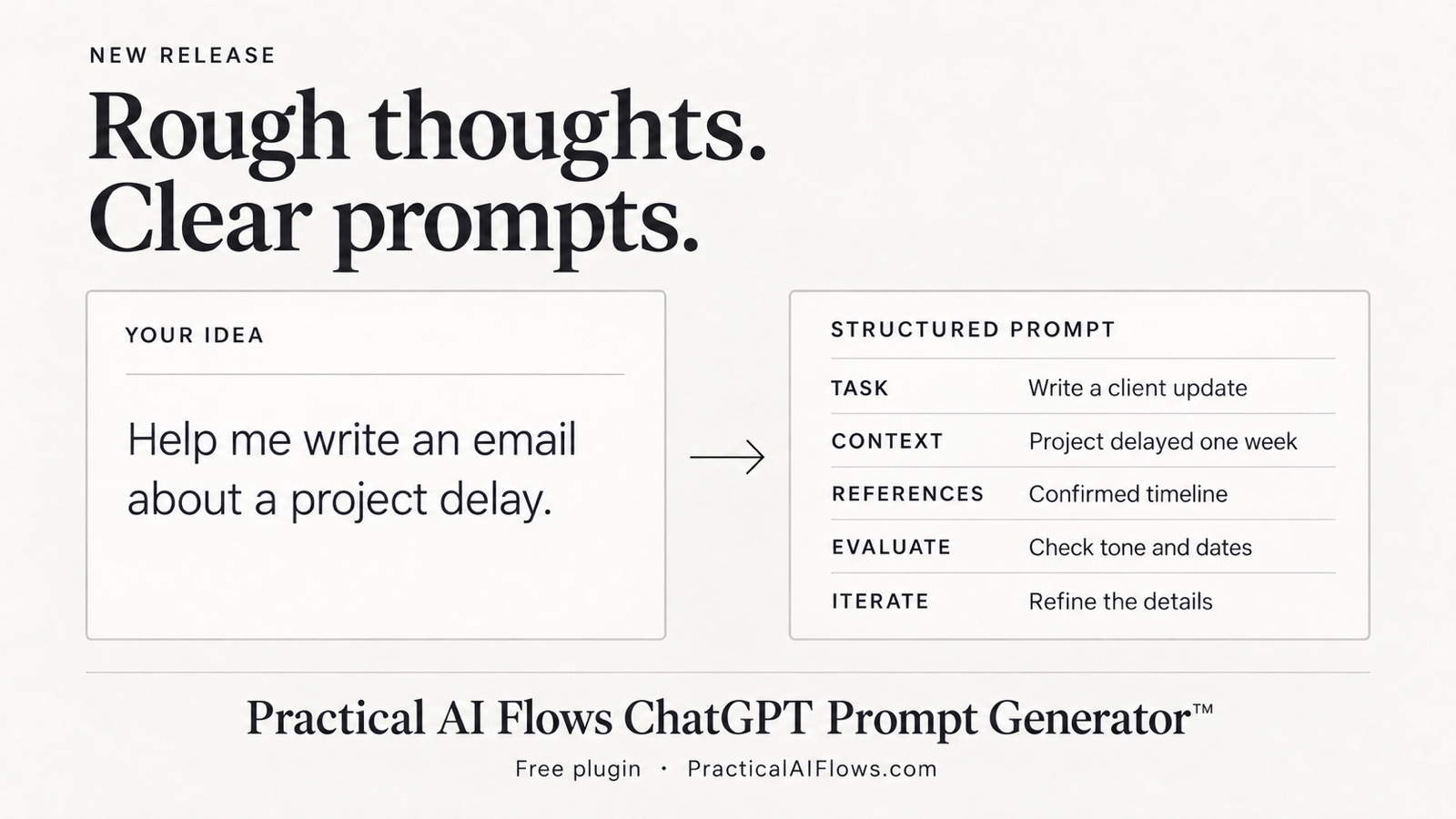
A better starting point for AI
Getting useful results from AI often starts with explaining what you need. I built the Practical AI Flows ChatGPT Prompt Generator to make that step easier, especially for people who have a task in mind but aren’t sure how to frame it.
What it does
The plugin uses five steps—Task, Context, References, Evaluate, and Iterate—to organize your request. It produces one copy-ready prompt, includes instructions for checking the result, and offers focused questions to help you refine it.
You can use it to build a new prompt or improve one that gave you a disappointing answer. Once you’re happy with the prompt, you can run it in ChatGPT or copy it into another AI tool.
Getting started
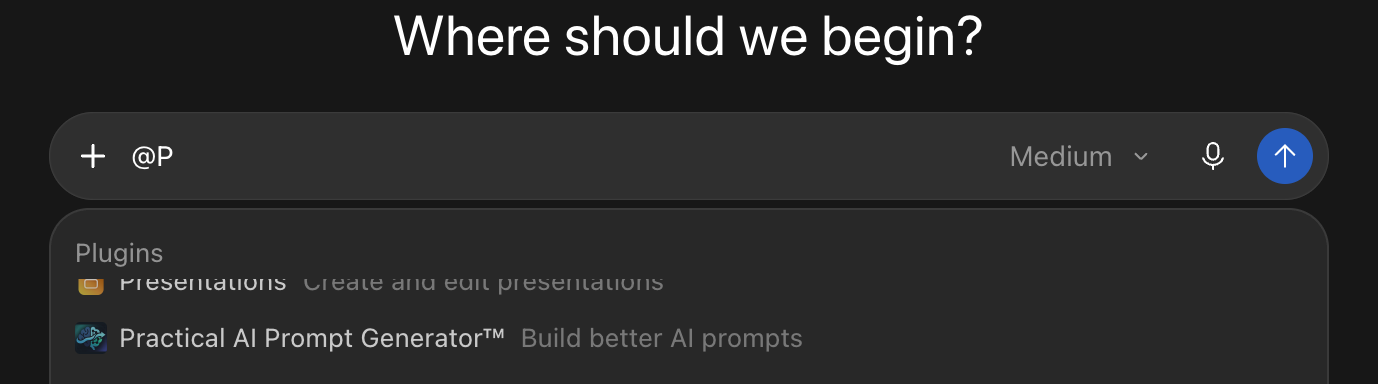
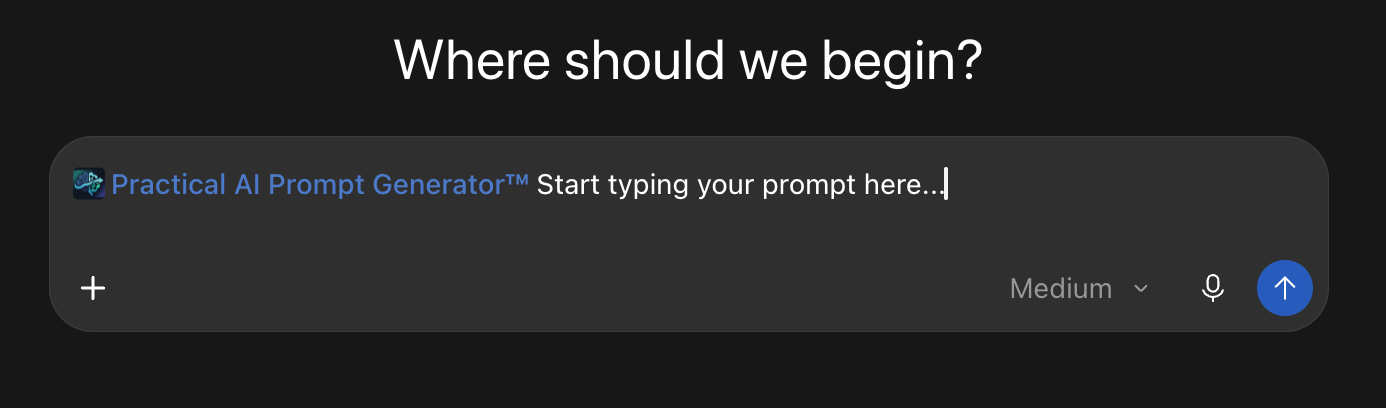
Once the plugin is installed, select it in ChatGPT and describe what you want help turning into a prompt.
Try it yourself
The plugin is available as a free download on my Small Business Consulting website - Practical AI Flows, along with installation instructions and examples.
Get the free plugin and installation guide